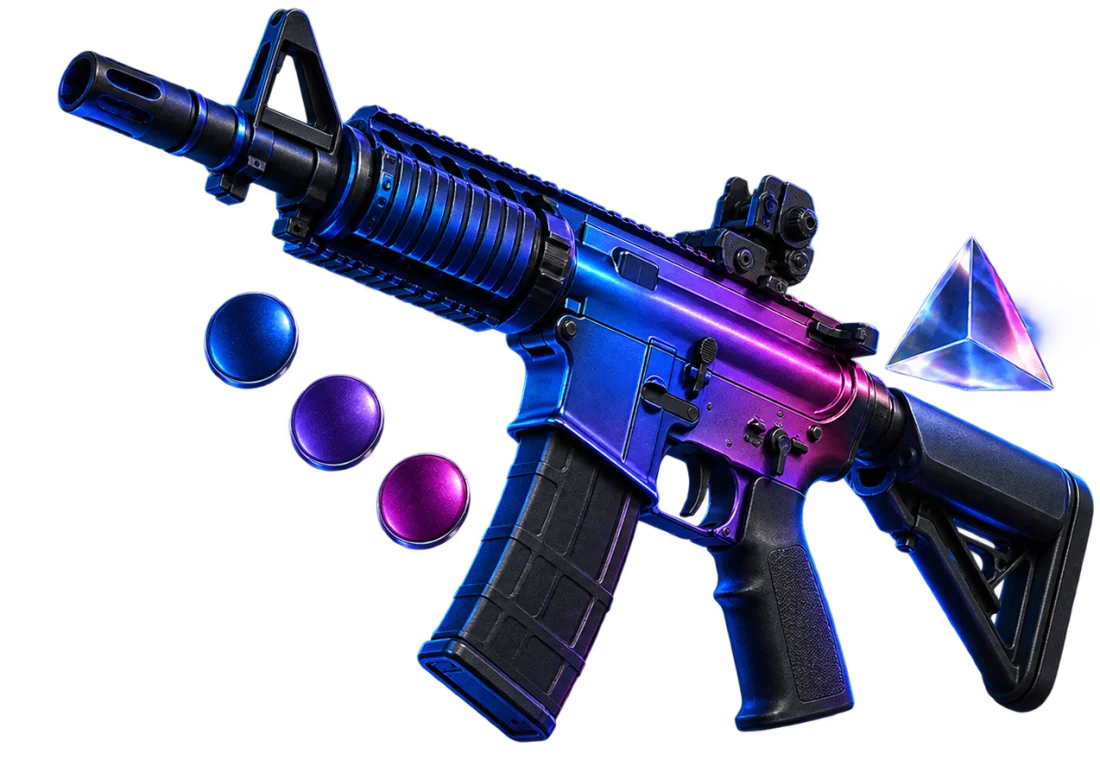
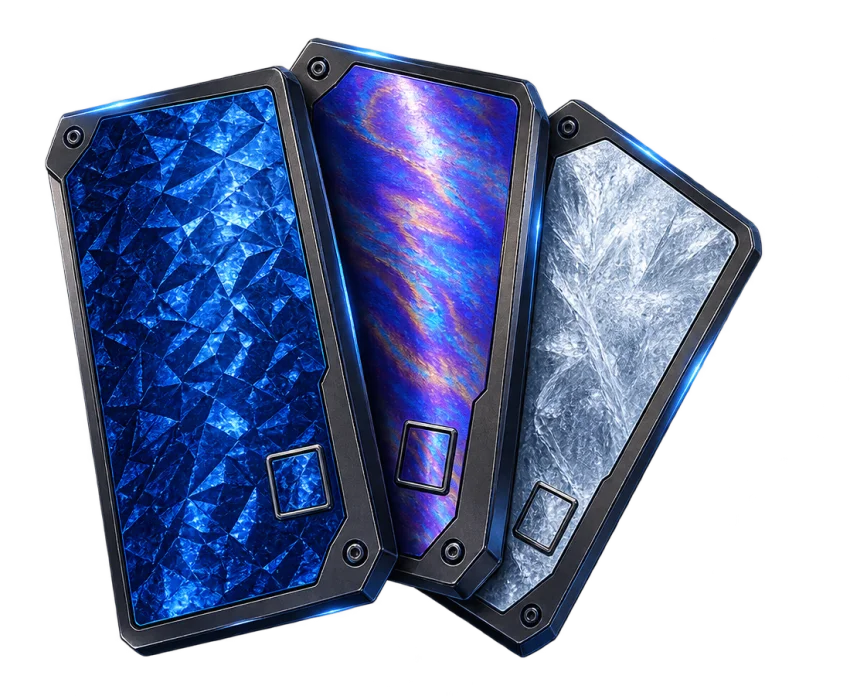


How do I match a skin to my inventory?
Pick a color above and open its collection. You can show the strongest color matches first or sort by price to find one that suits your budget.
 en
enPick a color and get every CS2 skin where it takes over — from blues and reds to whites and blacks.
Pick a color above and open its collection. You can show the strongest color matches first or sort by price to find one that suits your budget.
We place it under the color that stands out most in its image. For a nearly single-color finish, keep the color-share sorting and look near the top.
Map lighting, wear, and pattern can change how the finish looks. Check the exact item and its condition in game before buying.
If a skin has no clearly dominant shade, we do not force it into one group. That keeps the blue and red collections useful for finding those colors.